An AI
Capture real user feedback with screenshots, DOM, and console context your coding agent can act on.
Quick answer
What is An AI?
About An AI
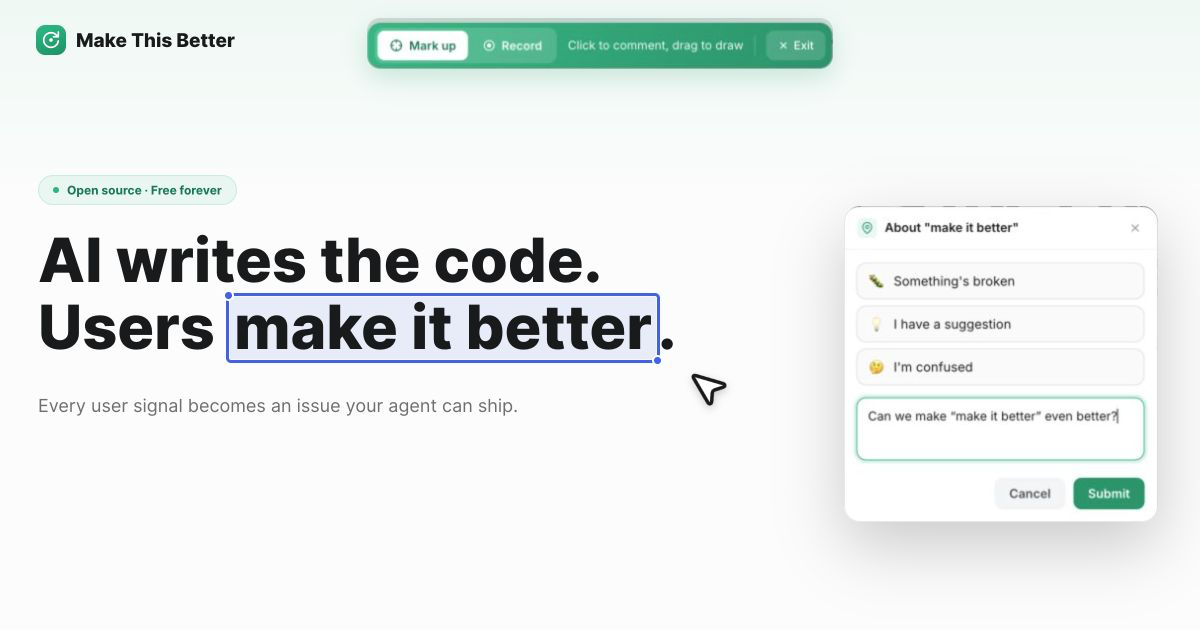
Capture real user feedback with screenshots, DOM, and console context your coding agent can act on. No feedback Shipped work waits here until it is released. A screenshot, DOM snapshot, and console log are auto-captured in the background. The Skill gives your agent the workflow; MCP and the CLI provide feedback data and status actions. Then run /makethisbetter pick to inspect the original evidence, claim the feedback, and start the fix (right) . The widget lets them report the problem on the spot, and your agent takes over.
User reviews
No user reviews yet. Used An AI? Upvote it above and check back as reviews open.
An AI FAQ
What is An AI?
Capture real user feedback with screenshots, DOM, and console context your coding agent can act on. No feedback Shipped work waits here until it is released.
How much does An AI cost?
An AI uses a open source pricing model. A free tier is available. Check the official site for current prices.
What are some alternatives to An AI?
Similar products on Techavy include Thumbdesk, Qursor, chmonitor, FastMinify. See the full list of An AI alternatives for more.
Alternatives to An AI
All An AI alternativesThumbdesk
Thumbdesk is a mobile app that connects a phone to Macs, PCs, Linux machines and SSH servers for terminal sessions, screen sharing, file transfer and live system stats.
Qursor
Qursor is a Chrome extension that captures selectors, classes, styles and notes for a chosen page element so coding assistants can make targeted interface fixes.
chmonitor
chmonitor reads ClickHouse system tables to show queries, merges, replication and disk health in one place, with alerting and a read only AI advisor.
FastMinify
FastMinify bundles more than 215 developer utilities that run locally in the browser, from JavaScript minification to JSON validation and SVG optimization.
Jungle Grid
Jungle Grid accepts AI jobs over an API or MCP server, picks compute capacity on its own, and returns logs, status and output artifacts without any GPU setup.
BugBuzzer
BugBuzzer crawls a public site with a headless browser and returns a ranked report covering security headers, leaked secrets, known CVEs, runtime errors and uptime.
Related tools
- DaestroRun batch and cron containers on any cloud or server
- warmup.rocksKeeps CDN caches warm at edge locations worldwide
- DevT ProOffline developer utilities bundled into one desktop app
- HoverifyBrowser extension that bundles web developer tools
- KalyteraWorks with LangChain, CrewAI, AutoGen, or any custom framework.
- docs.devPoint your coding agent at your repo and your docs; it opens a docs branch, your team reviews on the rendered page, publishing is a commit. Runs on your Cloudfl
- CMEMAI agent memory, everywhere. claude-mem is open-source memory for Claude Code; cmem links it to any MCP client, Cursor, Codex, more, via one private link.
- PapercraneEvery analytics vendor is bolting an AI copilot onto their dashboards. Power BI has one. Tableau has one.
Techavy is reader and maker supported. Some links are affiliate or sponsored and are labelled as such. This never changes a rating or an editorial ranking. See our methodology.