Hoverify
Browser extension that bundles web developer tools
Free featured launchLaunches November 20, 2026
Quick answer
What is Hoverify?
About Hoverify
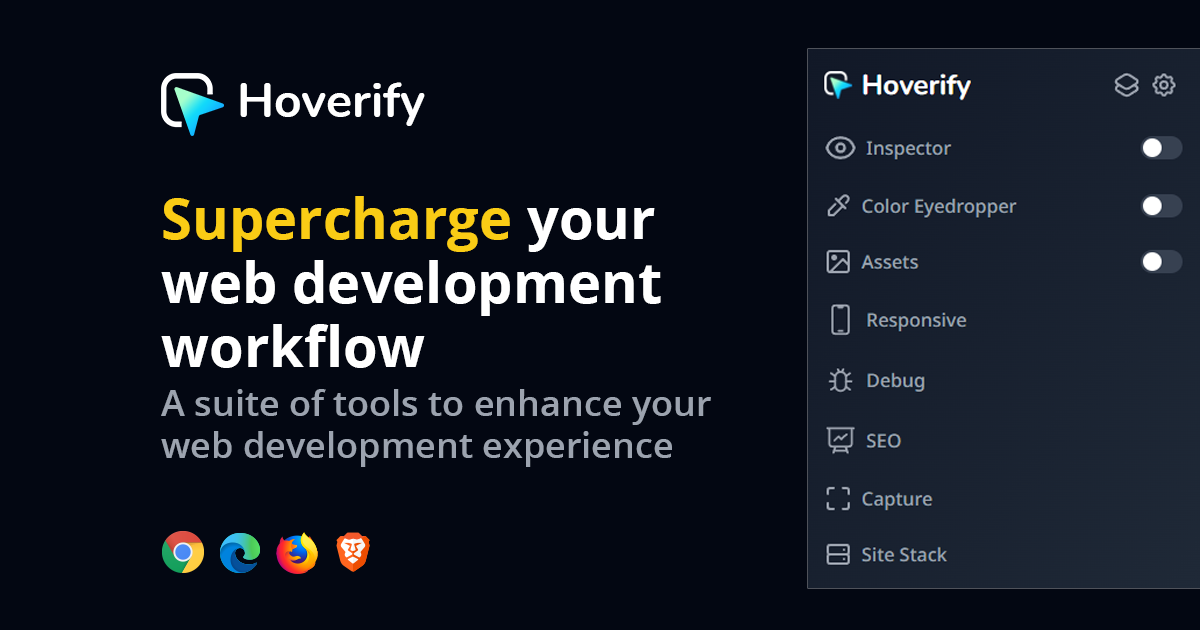
Hoverify is a Chrome and Firefox extension that combines many web development utilities behind a single toolbar button. It lets developers inspect and edit elements, pick colours, collect page assets, preview layouts at different screen sizes, take screenshots, detect a site's tech stack and inject custom CSS or JavaScript. Audit tools cover SEO, GEO and accessibility, and images can be converted to WebP. An MCP server lets AI coding agents run the same tools and review what they built. The site cites more than 26,000 developers. A yearly licence costs 35 USD and a lifetime licence 99 USD, each covering three activations with a 14 day refund window.
Key features
- Element inspector with live style editing
- Responsive viewer for checking multiple screen sizes
- SEO, GEO and accessibility audits on any page
- MCP server so coding agents can use the tools
- Asset grabber, colour eyedropper and screenshot capture
- Custom CSS and JavaScript injection
Pricing details
A yearly licence is 35 USD without auto renewal and a lifetime licence is 99 USD, both including every tool and a 14 day refund.
Hoverify at a glance
AI generated reviewPer its site, Hoverify replaces a cluster of separate developer extensions with one licence that includes every feature. The newer MCP server extends those tools to AI coding agents, which suits people who build with assistants.
- Best for
- Front end developers and web designers who inspect and audit sites every day.
- Not ideal for
- People who only occasionally open browser DevTools and want a free option.
Pros
- No feature tiers, one licence unlocks everything
- Lifetime purchase option avoids subscriptions
- Works in Chrome and Firefox with three activations
Cons
- No free plan is offered
- The yearly licence does not renew automatically, so it needs manual renewal
- Overlaps with tools already built into browser DevTools
Verdict
Hoverify is a sensible purchase for developers tired of juggling many small extensions. The lifetime option is the better value for anyone planning to use it for more than a few years.
AI generated from Hoverify’s own public pages on November 13, 2026, not yet checked by an editor. It is not a Techavy rating and carries no score. How we review
User reviews
No user reviews yet. Used Hoverify? Upvote it above and check back as reviews open.
Hoverify FAQ
What is Hoverify?
Hoverify is a Chrome and Firefox extension that combines many web development utilities behind a single toolbar button. It lets developers inspect and edit elements, pick colours, collect page assets, preview layouts at different screen sizes, take screenshots, detect a site's tech stack and inject custom CSS or JavaScript.
How much does Hoverify cost?
Hoverify uses a paid pricing model, from 35 USD per year. Check the official site for current prices.
What are some alternatives to Hoverify?
Similar products on Techavy include OctoLoops, Execlave, Vidmoat, Nova. See the full list of Hoverify alternatives for more.
Alternatives to Hoverify
All Hoverify alternativesOctoLoops
Always-on agents that watch for the moment a company becomes worth contacting, find the right person there, and draft the message. Free plan from your URL, no account needed.
Execlave
Execlave is the AI agent governance and enforcement platform. Govern autonomous AI agents with runtime policy enforcement, kill switches, and audit-ready compliance...
Vidmoat
Vidmoat is an AI video editor with an agent that reads your footage, cuts the dead air, writes captions, removes backgrounds, and ships shorts to every platform, from one...
Nova
Nova is the analytics and orchestration layer for AI products. Track usage, evaluate quality, and iterate on prompts, all in one dashboard.
HolyCode Cloud
A cloud Linux workstation with Claude Code, Codex, Gemini, Cursor, OpenCode and Pi plus Postgres, Playwright, Jupyter, pandas, pandoc and ffmpeg already installed. Root on...
conw.ai
Conw (Conway AI) is an independent, self-learning AI assistant. Teach it directly, inspect what stuck, and chat with verified memory. Free to use.
Related tools
- GetsocialclawThe SocialClaw social media CLI posts and schedules to X, LinkedIn, Instagram, TikTok, YouTube, and more from your terminal. JSON output, schedule files in git
- docs.devPoint your coding agent at your repo and your docs; it opens a docs branch, your team reviews on the rendered page, publishing is a commit. Runs on your Cloudfl
- HeimWallSignal, not surveillance. See how your engineers use Cursor, Claude Code, and Copilot: catch leaked secrets, PII, and confidential data, without blocking them o
- Stock News APIREST API for relevance-scored, ticker-linked financial news: a real-time stock news API for trading bots, AI agents, and dashboards. Free tier, no credit card.
- Scalix WorldScalix World is the AI-native neocloud: database, AI inference, functions, containers, and storage on one platform, operable by humans and AI agents.
- SynCodeLiveA real-time collaborative code editor with an AI reviewer in every session. Share a URL, code together live, run JS and Python in-browser. No signup, free.
- KalyteraWorks with LangChain, CrewAI, AutoGen, or any custom framework.
- AgentReadyAI agents hallucinate your content, miss half your pages, and give wrong answers about your product. AgentReady gives them a structured interface, MCP endpoint
Techavy is reader and maker supported. Some links are affiliate or sponsored and are labelled as such. This never changes a rating or an editorial ranking. See our methodology.