ScreenshotPop
Browser editor for App Store and Play screenshots
Free featured launchLaunches November 22, 2026
Quick answer
What is ScreenshotPop?
About ScreenshotPop
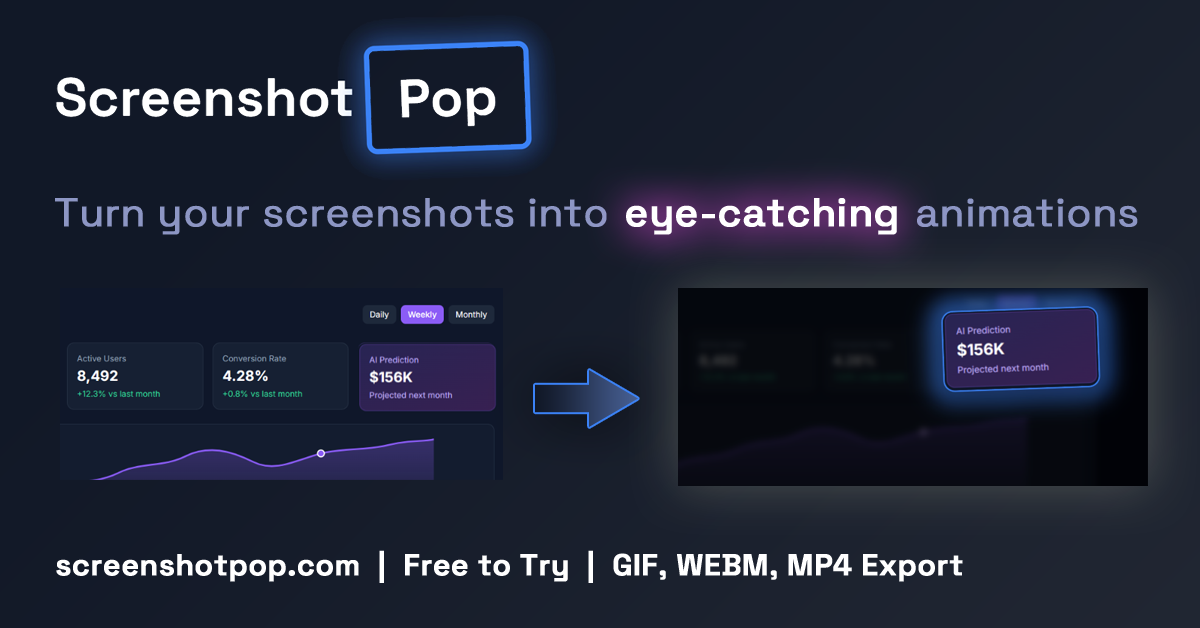
ScreenshotPop is a browser based editor for creating App Store and Google Play screenshot sets without a designer. Users start from a template, drop in raw captures, and compose up to six panels as one continuous canvas, which is sliced into separate files on export. Adding a language translates captions with AI while keeping the layout, and exports are bundled in folders per locale. Presets cover iPhone, iPad and Play Store dimensions, including the 6.9 inch iPhone size. Extras include 3D iPhone and Pixel mockups, animated highlights exported as GIF, MP4 or WebM, and AI scene suggestions. Pro costs 29 USD once, and one free export is available.
Key features
- Panoramic layouts spanning up to six panels
- AI translation of captions into extra locales
- Exact size presets for iPhone, iPad and Play
- 3D phone mockups exportable as video
- Animated highlights in GIF, MP4 or WebM
- AI suggested backgrounds, layouts and headlines
Pricing details
Pro is a one time payment of 29 USD with unlimited exports and a 30 day money back guarantee, and one free export lets users try the editor first.
ScreenshotPop at a glance
AI generated reviewScreenshotPop focuses narrowly on the tedious job of producing store screenshots at the correct sizes and in multiple languages. Based on the site, the panoramic slicing and locale export folders are the main time savers.
- Best for
- Indie iOS and Android developers preparing localized store listings.
- Not ideal for
- Teams needing general marketing graphics beyond app store assets.
Pros
- One time price with no subscription
- Handles store dimensions automatically
- Localized sets exported in one bundle
Cons
- Only 5 Boost credits included for cloud rendering and AI scenes
- Free option is limited to a single export
- Narrow focus on store screenshots
Verdict
ScreenshotPop is a reasonably priced shortcut for developers who dread making store screenshots. Its value is highest for apps shipping in several languages.
AI generated from ScreenshotPop’s own public pages on November 13, 2026, not yet checked by an editor. It is not a Techavy rating and carries no score. How we review
User reviews
No user reviews yet. Used ScreenshotPop? Upvote it above and check back as reviews open.
ScreenshotPop FAQ
What is ScreenshotPop?
ScreenshotPop is a browser based editor for creating App Store and Google Play screenshot sets without a designer. Users start from a template, drop in raw captures, and compose up to six panels as one continuous canvas, which is sliced into separate files on export.
How much does ScreenshotPop cost?
ScreenshotPop uses a one time purchase pricing model, 29 USD one time. Check the official site for current prices.
What are some alternatives to ScreenshotPop?
Similar products on Techavy include Asoinspo, Snapester, BeautifulScreenshots, Expressed. See the full list of ScreenshotPop alternatives for more.
Alternatives to ScreenshotPop
All ScreenshotPop alternativesAsoinspo
Asoinspo collects iOS store screenshot sets, paywall designs and onboarding flows so designers and developers can study what established apps actually ship.
Snapester
Snapester captures tabs, regions or clipboard images through a Chrome extension and sends them to a web editor for backgrounds, annotations and social sized exports.
BeautifulScreenshots
BeautifulScreenshots is a focused web editor that frames raw screenshots with padding, backgrounds and effects so they look better in posts, docs and launch updates.
Expressed
We stripped away the whiteboard bloat and built the few tools people actually use.
Piqt (iOS)
Piqt curates every photo on your iPhone on-device, ranks your great and not-so-great photos, groups the near-identical shots, and files your screenshots. Explainable...
StoryMotion
Create animated presentations that simplify complex systems with StoryMotion AI. Explain architecture, diagrams, and data flows, or any complex idea, step by step, then...
Related tools
- OverlayDesign with your codebase, A User Interface design editor integrated with Visual Studio Code.
- Phoenix CodePhoenix Code is the free, open-source successor to Brackets. A modern code editor with live preview, Git integration, and extensions for HTML, CSS, and JavaScri
- WebAIMThe classic AIM experience, right in your browser. Buddy lists, away messages, chat rooms, and more.
- MotionLoomA future Anica panel can expose After Effects-style controls while preserving the graph underneath.
- Privacy ThingUse X-Ray to inspect supported browser activity. Set location, language, and time-zone values for individual domains.
- JoltJolt helps people keep their identity, content, and connections when they change apps.
- NapkinBookA computational whiteboard that closes the gap between data and decisions. Cloud-first, collaborative, and built for durable work.
- Cellular Automaton SimulatorInteractive one-dimensional cellular automaton simulator: any number of states, totalistic, template (local) and descendant rules, space-time diagrams, batch ru
Techavy is reader and maker supported. Some links are affiliate or sponsored and are labelled as such. This never changes a rating or an editorial ranking. See our methodology.